Amousing
Unity Puzzle Game
A unique puzzle game controlled exclusively with mouse buttons
About The Project
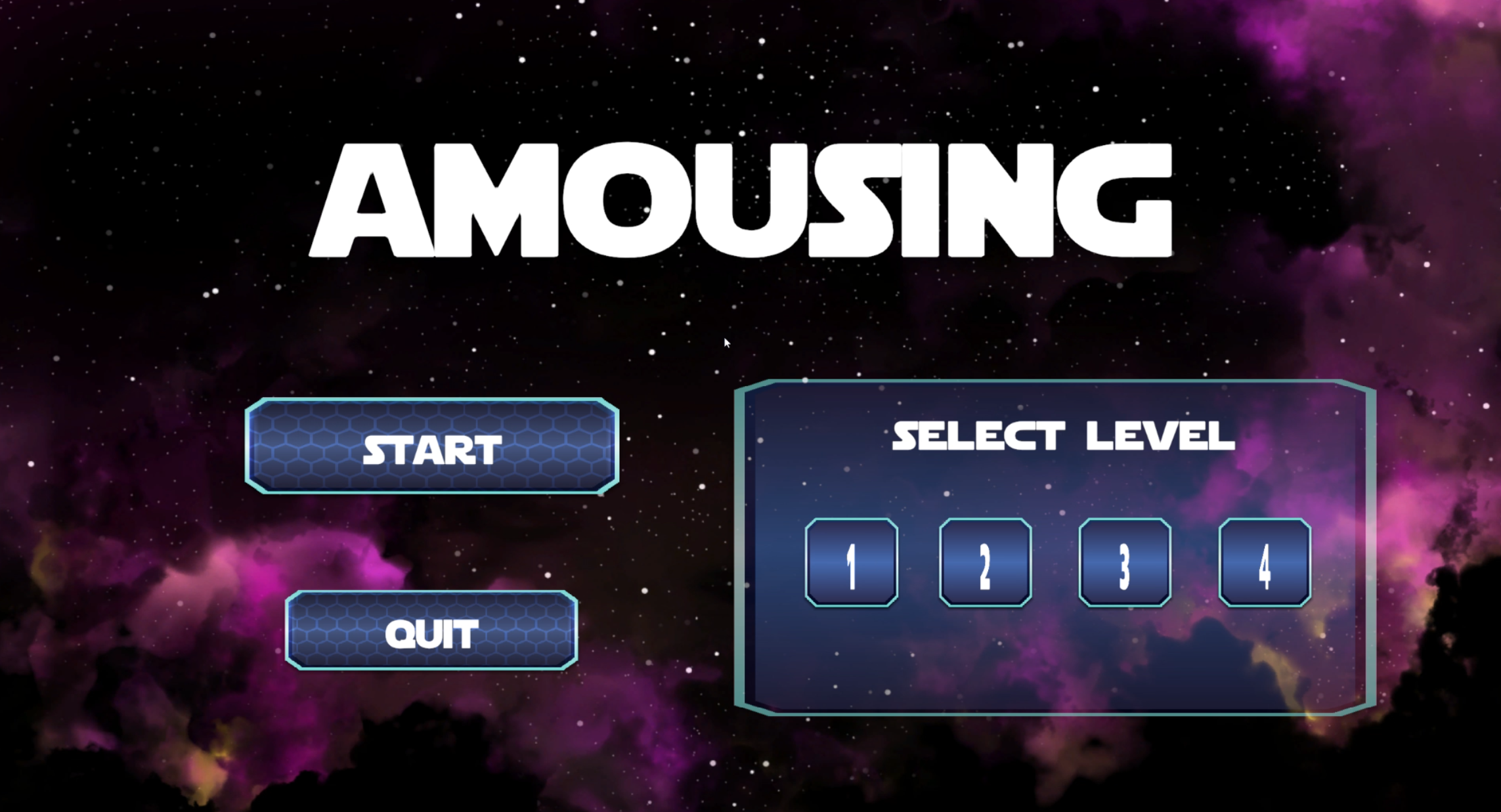
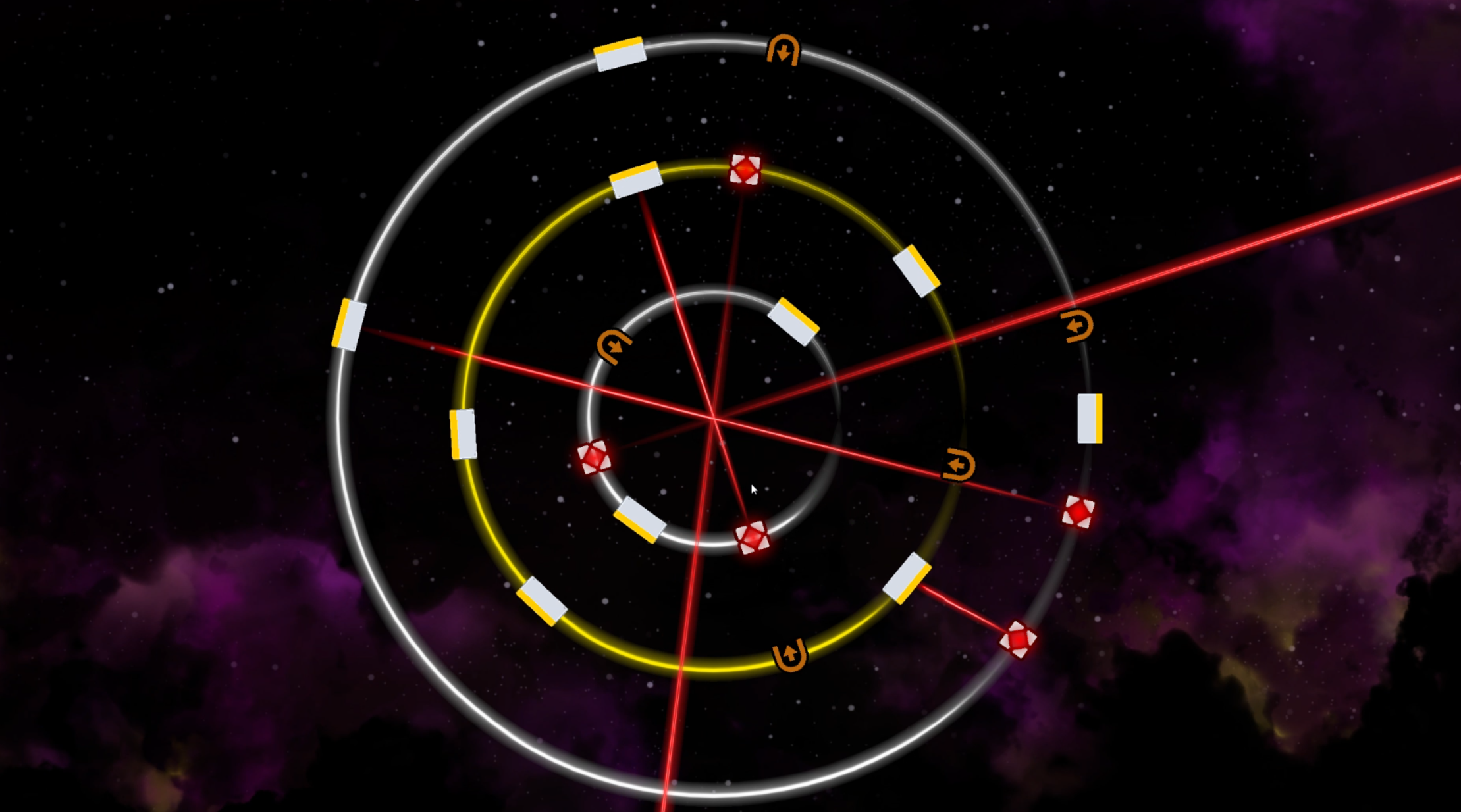
Amousing is a puzzle game developed in Unity as part of a game design course. The project explores innovative control schemes by limiting player input to only the left and right mouse buttons. This constraint drove the design process, resulting in creative gameplay mechanics that challenge players to think differently about navigation and interaction.
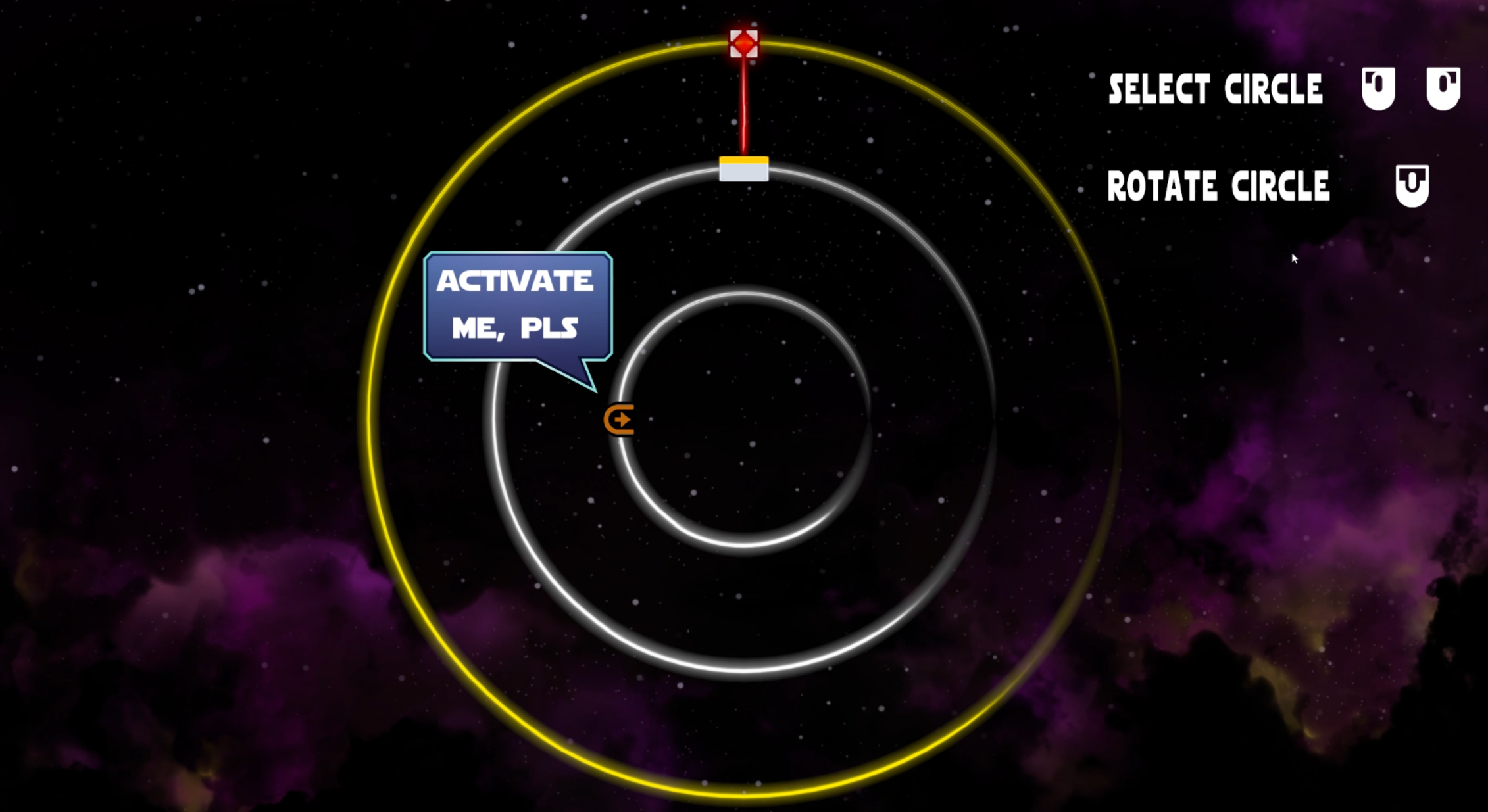
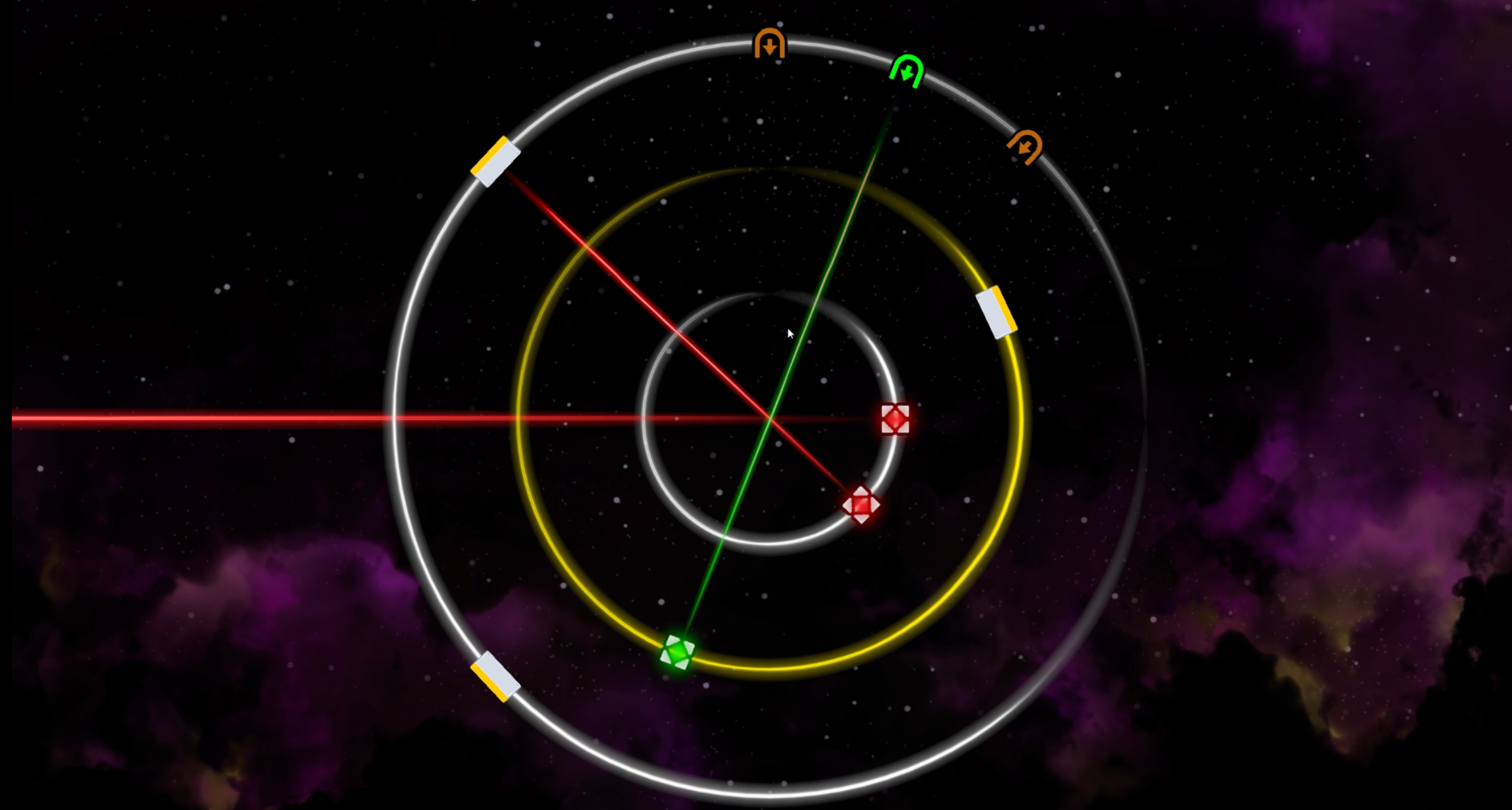
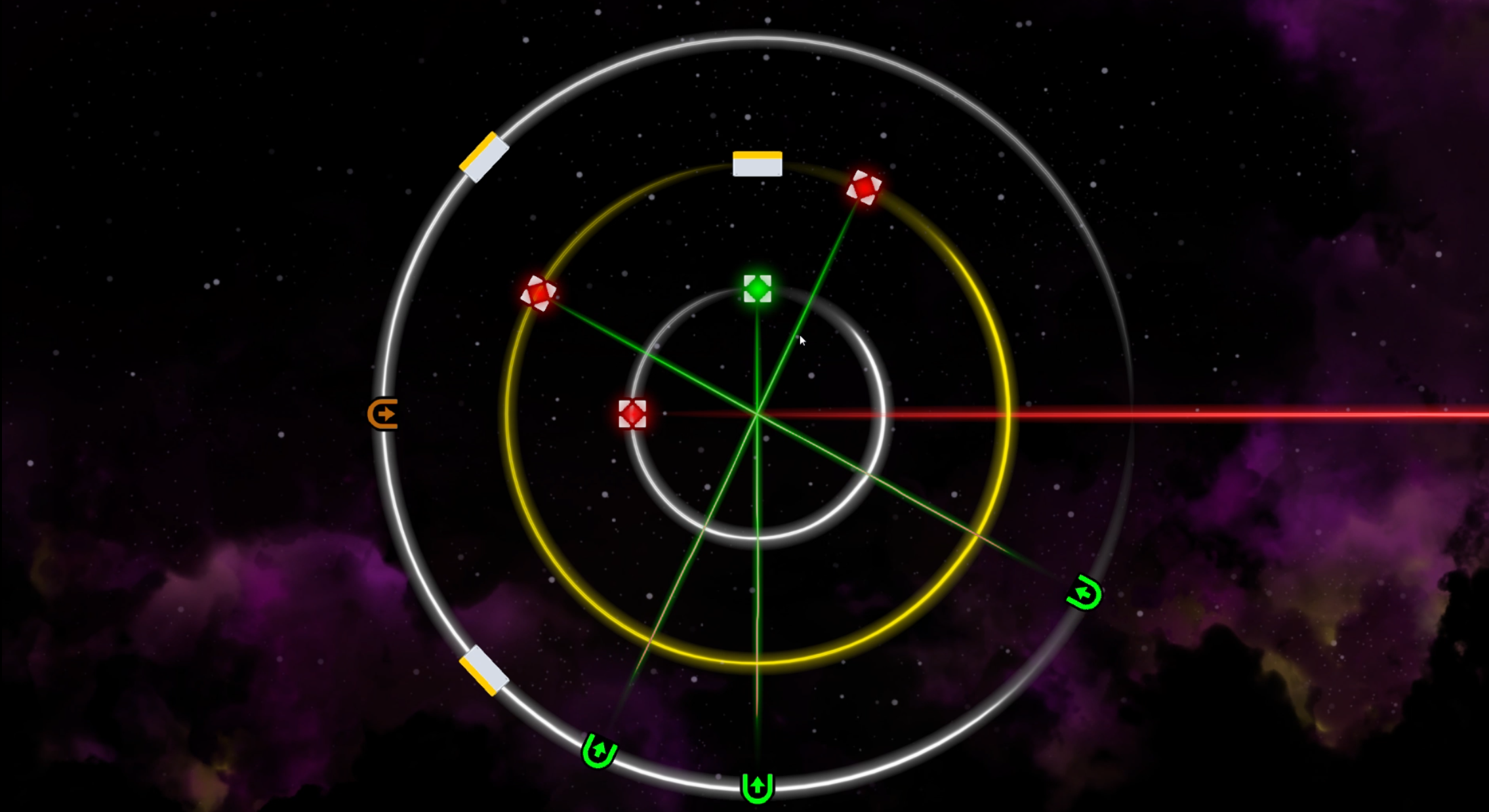
The game features multiple levels with increasing complexity, each requiring players to master the unique control scheme to overcome obstacles and reach their goals. A comprehensive tutorial helps players understand the mechanics, ensuring accessibility despite the unconventional controls.
This project demonstrates how creative constraints can lead to innovative gameplay, showcasing my ability to design intuitive experiences even with limited input options. The minimalist control scheme also makes the game highly accessible across different platforms.
Features
- Unique gameplay controlled exclusively with left and right mouse buttons
- Comprehensive tutorial system to introduce players to the mechanics
- Multiple puzzle levels with progressive difficulty
- Clean, minimalist visual design that complements the control scheme
- Intuitive level design that teaches through gameplay
Project Information
- Category: Academic Project
- Project Date: 2024
- Engine: Unity
- Language: C#
- Course: Game Design
- Showcase: YouTube
Technical Highlights
Input System Design
Developed a comprehensive input management system that translates binary mouse button inputs (left/right clicks) into complex gameplay actions. This required careful state management and contextual awareness to provide players with sufficient control options using minimal inputs.
Level Design Philosophy
Created puzzle designs that gradually introduce mechanics and increase in complexity while remaining solvable with just two input options. Each level was carefully balanced to provide challenge without frustration, using environmental cues to guide players toward solutions.
Tutorial Implementation
Designed an intuitive tutorial system that teaches players through direct interaction rather than text instructions. The tutorial seamlessly integrates with the gameplay, introducing concepts progressively while allowing players to experiment with the controls in a safe environment.
User Experience
Implemented responsive feedback systems that provide clear visual and audio cues for player actions. This was especially important given the limited input options, ensuring players always understand how their mouse clicks affect the game world and helping them build mental models of the game mechanics.